1. Introduction
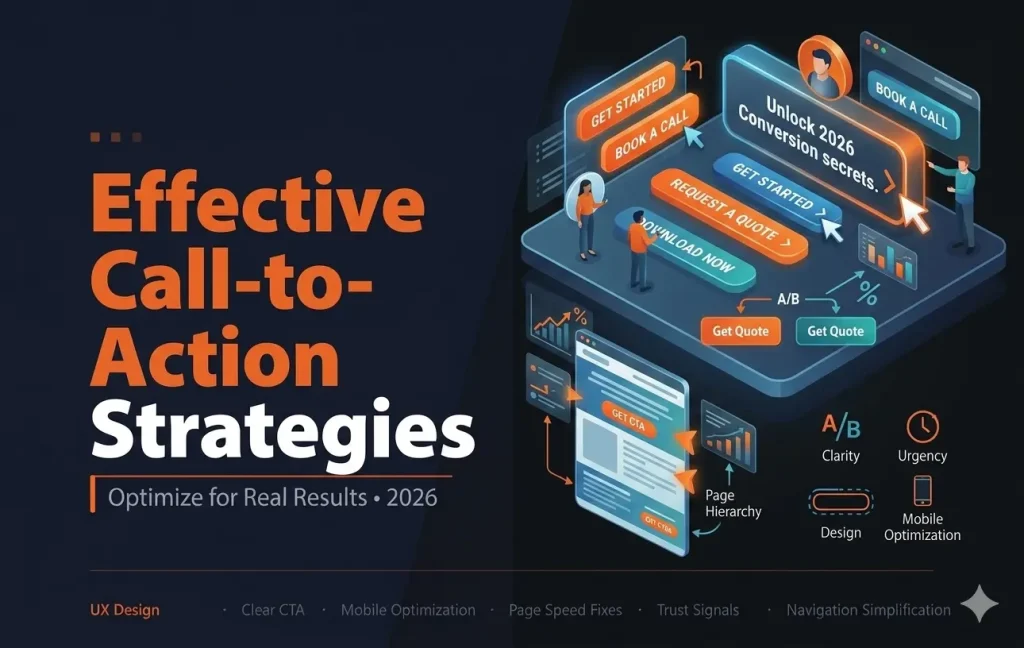
Call-to-action strategies are one of the most important factors in improving website conversions. No matter how good your design or content is, without clear direction, users will not take action.
A call-to-action (CTA) guides visitors toward the next step, whether it is signing up, booking a call, or making a purchase.
In this guide, you will learn how to create and optimize CTAs that drive real results in 2026.
2. What is a Call-to-Action (CTA)?
A call-to-action is a prompt that encourages users to take a specific action on your website.
Common examples include:
- Get Started
- Book a Call
- Request a Quote
- Download Now
A strong CTA makes it clear what the user should do next.
3. Use Clear and Action-Oriented Language
The wording of your CTA plays a major role in conversions.
Best practices:
- Use action words (Get, Start, Book, Try)
- Keep it short and clear
- Focus on the benefit
Example:
Instead of “Submit”
Use “Get Your Free Quote”
Clear CTAs remove confusion and increase clicks.
4. Focus on One Primary CTA
Too many CTAs can overwhelm users and reduce conversions.
Each page should have:
- One main CTA
- Supporting CTAs if needed
- Clear hierarchy
Keeping a single focus helps guide users toward the desired action.
5. Place CTAs in Key Locations
CTA placement is just as important as the message.
Best positions include:
- Above the fold
- After key sections
- At the end of the page
Repeating CTAs throughout the page increases the chances of conversion.

6. Make CTAs Visually Stand Out
Your CTA should be easy to notice and click.
Design tips:
- Use contrasting colors
- Add enough spacing around buttons
- Use readable font size
A well-designed CTA attracts attention and improves engagement.
7. Create Urgency and Motivation
Encouraging users to act quickly can improve conversions.
Ways to create urgency:
- Limited-time offers
- Time-sensitive deals
- Exclusive benefits
Example:
“Start Your Free Trial Today”
Urgency helps reduce hesitation.
8. Align CTAs with User Intent
Your CTA should match what the user is looking for.
Examples:
- Blog page: “Read More” or “Get the Guide”
- Service page: “Book a Call”
- Product page: “Buy Now”
Matching intent improves conversion rates.
9. Use Supporting Text Around CTAs
Additional text can help reinforce your CTA.
Include:
- Short benefit statements
- Trust signals
- Risk reduction (No credit card required)
This makes users more confident in taking action.
10. Optimize CTAs for Mobile Users
Mobile users need a smooth and simple experience.
Ensure:
- Buttons are large enough to tap
- CTAs are easy to find
- Page loads quickly
A mobile-friendly CTA improves engagement and conversions.
11. Test Different CTA Variations
Testing helps you find what works best for your audience.
You can test:
- Button text
- Colors
- Placement
Even small changes can lead to better results.
12. Avoid Common CTA Mistakes
- Using unclear wording
- Placing CTAs too late on the page
- Not making CTAs visible enough
- Adding too many CTAs
Avoiding these mistakes can significantly improve performance.
13. Final Thoughts
Call-to-action strategies are essential for turning visitors into customers. A well-designed and properly placed CTA can make a huge difference in your website’s performance.
By focusing on clarity, design, and user intent, you can create CTAs that drive real business results.