1. Introduction
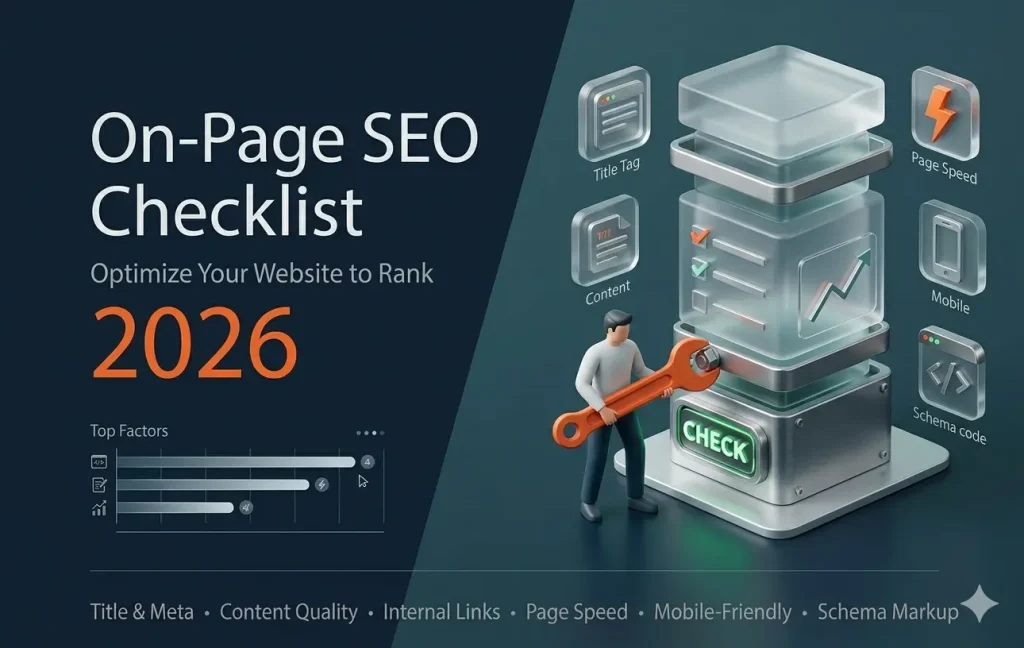
An on-page SEO checklist is essential if you want your website to rank higher on Google and attract consistent organic traffic. Without proper on-page optimization, even great content may not perform well in search results.
In 2026, search engines focus on user experience, relevance, and content quality. Following a structured on-page SEO checklist helps ensure your website meets these expectations.
This guide will walk you through a complete on-page SEO checklist to improve your website performance.
2. Optimize Your Page Title
Your page title is one of the most important SEO elements.
Best practices:
- Include your focus keyword
- Keep it under 60 characters
- Make it clear and engaging
A strong title improves both rankings and click-through rate.
3. Write a Compelling Meta Description
The meta description helps users decide whether to click your page.
Tips:
- Keep it under 155 characters
- Include your keyword naturally
- Highlight the benefit
A good meta description increases traffic.
4. Use Proper Heading Structure
Headings help organize your content and improve readability.
Structure:
- H1 for main title
- H2 for sections
- H3 for sub-sections
Include keywords naturally in headings.
5. Optimize URL Structure
Clean URLs are easier for both users and search engines.
Best practices:
- Keep URLs short
- Use keywords
- Avoid unnecessary characters
Example:
yourwebsite.com/on-page-seo-checklist
6. Improve Content Quality
Content is the core of on-page SEO.
To perform well:
- Provide useful information
- Answer user queries
- Keep content updated
High-quality content ranks better and keeps users engaged.

7. Use Keywords Naturally
Keywords help search engines understand your content.
Guidelines:
- Use keyword in introduction
- Add it in headings
- Avoid keyword stuffing
Natural usage improves rankings.
8. Optimize Images
Images improve user experience but must be optimized.
Do:
- Compress images
- Use descriptive file names
- Add alt text with keywords
Optimized images improve SEO and page speed.
9. Add Internal Links
Internal linking helps users navigate your website.
Benefits:
- Improves SEO
- Increases page views
- Helps search engines crawl your site
Link related blog posts and pages.
10. Use External Links
External links improve credibility and provide value.
Tips:
- Link to trusted sources
- Use relevant content
- Don’t overuse links
This builds trust with users and search engines.
11. Improve Page Speed
Page speed is a ranking factor.
Improve speed by:
- Optimizing images
- Using caching
- Reducing scripts
Faster websites rank better.
12. Make Your Website Mobile-Friendly
Mobile optimization is essential.
Ensure:
- Responsive design
- Easy navigation
- Fast loading
Google prioritizes mobile-friendly websites.
13. Add Schema Markup
Schema helps search engines understand your content better.
Benefits:
- Improves visibility
- Enhances search results
- Increases click-through rate
Use schema for articles, products, and reviews.
14. Track and Update Content
SEO is not a one-time process.
You should:
- Update old content
- Track performance
- Improve based on data
Regular updates keep your rankings stable.
15. Common On-Page SEO Mistakes
- Missing keywords
- Poor content structure
- Slow website speed
- Ignoring mobile users
Avoiding these mistakes improves results.
Final Thoughts
Following an on-page SEO checklist helps you create optimized pages that rank higher and attract more traffic.
By focusing on content quality, user experience, and proper optimization, you can improve your website performance in 2026.