In today’s competitive digital landscape, a business website needs to be more than just an online presence. It should be secure, easy to manage, mobile-friendly, and capable of supporting long-term business growth.
For many businesses across the United States, maintaining an outdated or complex content management system (CMS) can make website updates, customization, and digital marketing more challenging.
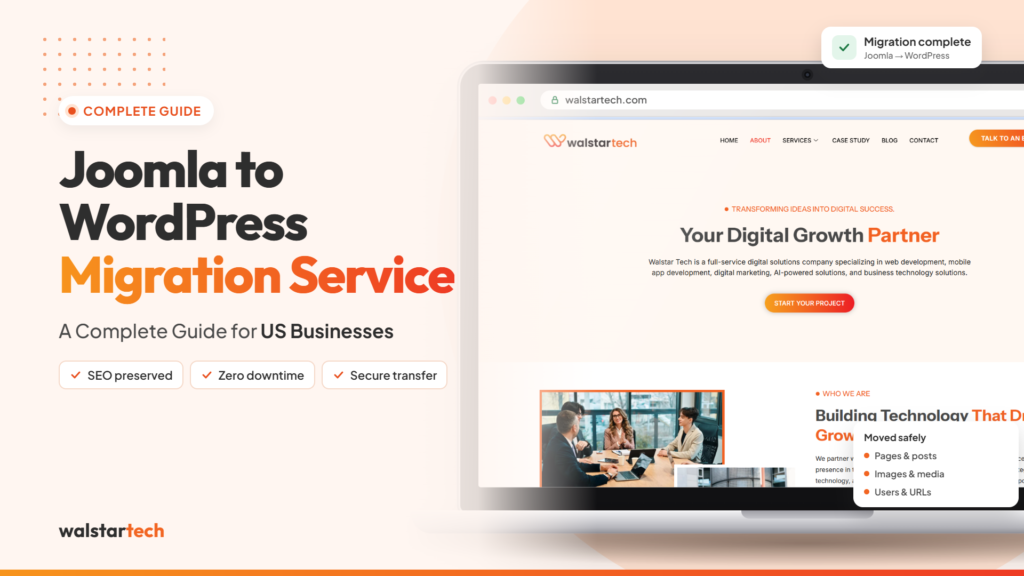
A professional Joomla to WordPress migration service helps businesses transition from Joomla to WordPress while preserving important website content, functionality, and SEO elements.
WordPress offers flexible website management, a wide range of plugins, customizable designs, and powerful integrations that support modern business requirements.
However, migrating a website is not simply about transferring pages from one platform to another. It requires proper planning, secure data migration, SEO preservation, functionality testing, and careful implementation.
For US businesses looking to modernize their websites, choosing the right migration approach can help create a stronger foundation for future digital growth.
What Is Joomla to WordPress Migration?
Joomla to WordPress migration is the process of transferring an existing website from the Joomla content management system to WordPress.
This process involves moving website content, images, categories, menus, user information, and other important elements while rebuilding or adapting functionality for the new platform.
A complete migration may include:
- Website pages and blog posts
- Images and media files
- Categories and navigation menus
- SEO titles and meta descriptions
- Existing URLs and redirects
- User information and databases
- Contact forms and website functionality
- Website design and layout
- Third-party integrations
- Security and performance configurations
The objective is to create a functional WordPress website without unnecessarily disrupting the existing business website.
A professional migration service can help businesses manage this transition while reducing technical complications and potential data loss.
1. Evaluate Your Existing Joomla Website
Before starting a website migration, businesses should understand the current structure, functionality, and performance of their Joomla website.
A detailed website evaluation helps identify which elements need to be transferred, rebuilt, improved, or removed.
Important areas to review include:
- Total number of website pages
- Existing blog content and categories
- Website design and navigation
- Joomla extensions and custom features
- Current SEO performance
- Website loading speed
- Mobile responsiveness
- Hosting and security configurations
For example, a small business website with 20 pages may require a relatively straightforward migration, while an enterprise website with custom extensions and hundreds of pages may need a more detailed migration strategy.
A proper website audit creates the foundation for a secure and organized Joomla to WordPress migration.
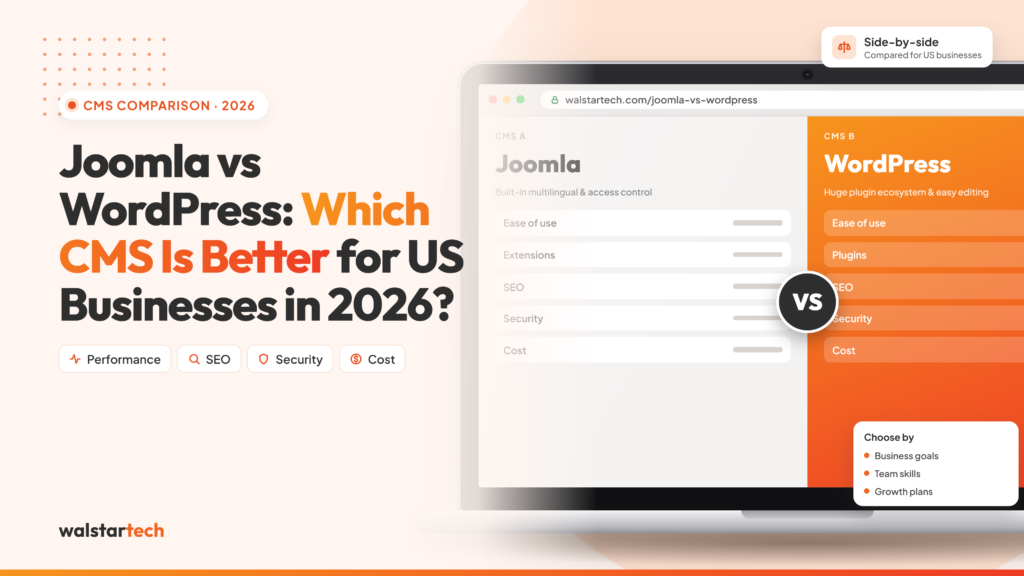
2. Choose WordPress for Better Website Flexibility
One of the main reasons businesses consider migrating from Joomla to WordPress is the flexibility WordPress provides for website management and customization.
WordPress allows businesses to create, edit, and manage website content through a user-friendly dashboard.
With a wide selection of themes, plugins, and integrations, businesses can build websites that support their branding and marketing objectives.
WordPress can help businesses:
- Update website content more easily
- Create new landing pages
- Publish and manage blogs
- Customize website designs
- Integrate marketing tools
- Manage SEO settings
- Add new website functionality
- Support ecommerce requirements
For US businesses planning to expand their online presence, WordPress can provide a flexible platform for future website development.
However, the benefits depend on selecting suitable themes, plugins, hosting, and ongoing maintenance practices.
3. Create a Complete Website Backup Before Migration
Website data is one of the most valuable digital assets for any business.
Before migrating from Joomla to WordPress, creating a complete website backup is essential.
A backup helps protect important information and provides a recovery option if unexpected problems occur during migration.
Businesses should back up:
- Website files
- Joomla database
- Images and media
- Configuration files
- Website content
- Important user information
It is also important to verify that the backup can be restored successfully.
Professional Joomla to WordPress migration services typically include backup planning as part of the migration process.
The goal is to protect existing website information before making major technical changes.
4. Transfer Website Content and Media Accurately
Content migration is one of the most important stages of moving from Joomla to WordPress.
Business websites often contain valuable service pages, blogs, product information, images, and other resources that contribute to customer engagement and search visibility.
During migration, this content needs to be transferred and organized within the WordPress environment.
Important migration activities include:
- Transferring Joomla articles to WordPress
- Migrating website pages
- Moving images and media files
- Organizing content categories
- Rebuilding navigation menus
- Preserving important page information
- Checking internal links
- Reviewing content formatting
Businesses should also verify that headings, images, links, and page layouts display correctly after migration.
For websites with large amounts of content, automated migration tools may help accelerate the process. However, manual adjustments and quality checks are often necessary.
WalstarTech provides professional website migration assistance to help businesses manage content transfers and establish an organized WordPress website.
5. Preserve SEO Rankings During Joomla to WordPress Migration
Search engine optimization is a major consideration when changing website platforms.
A business may already receive valuable organic traffic from Google and other search engines. Poorly managed migration can create broken links, missing pages, indexing problems, and changes in search visibility.
A well-planned Joomla to WordPress SEO migration focuses on protecting important SEO elements.
Key SEO migration activities include:
- Preserving existing URLs where possible
- Implementing 301 redirects for changed URLs
- Transferring SEO titles and meta descriptions
- Maintaining important heading structures
- Updating internal links
- Reviewing canonical tags
- Creating XML sitemaps
- Checking robots.txt settings
- Monitoring Google Search Console
- Reviewing organic traffic after launch
For example, if an existing Joomla service page has strong search visibility, the migration should preserve its content relevance and direct visitors to the correct WordPress page.
SEO migration is not only about moving content. It is about maintaining the accessibility, relevance, and technical structure of important website pages.
Although no provider can guarantee unchanged rankings, proper migration practices can help minimize unnecessary SEO disruption.
6. Improve Website Design and Mobile Responsiveness
A CMS migration can also create an opportunity to improve website design and user experience.
Modern customers expect websites to load efficiently, display correctly on mobile devices, and provide clear navigation.
WordPress offers themes and design tools that can help businesses create professional websites aligned with their branding.
Important design considerations include:
- Mobile-friendly page layouts
- Clear website navigation
- Consistent branding
- Readable typography
- Optimized images
- Accessible page elements
- Clear calls to action
- User-friendly contact forms
For example, a US service-based business may want to redesign its website to make service information easier to find and encourage more visitors to submit enquiries.
A professional migration team can help businesses recreate existing website designs or develop an updated WordPress layout based on project requirements.
7. Rebuild Essential Website Features and Integrations
Joomla and WordPress use different extension and plugin systems.
As a result, some Joomla features cannot be transferred directly to WordPress without additional configuration or development.
Businesses should identify important website functionality before migration.
This may include:
- Contact and enquiry forms
- Ecommerce functionality
- Appointment booking systems
- Customer login areas
- CRM integrations
- Payment gateways
- Email marketing tools
- Analytics tracking
- Security features
- Custom business applications
For example, a healthcare business may require appointment forms, while an ecommerce business may need product catalogs, checkout functionality, and payment integrations.
WordPress provides plugins and development options to support many of these requirements.
However, each integration should be tested to ensure it works correctly after migration.
WalstarTech helps businesses address website functionality and integration requirements as part of a professional migration project.
8. Test Website Performance, Security, and Functionality
Testing is essential before launching a migrated WordPress website.
Even when website content has transferred successfully, technical issues may still affect the user experience.
Businesses should review the website carefully before making it publicly accessible.
Important testing activities include:
- Checking all website pages
- Testing navigation menus
- Reviewing internal and external links
- Verifying contact forms
- Testing mobile responsiveness
- Checking page loading performance
- Reviewing website security settings
- Validating redirects
- Confirming analytics tracking
- Testing important business features
A staging environment can help developers identify and resolve issues before replacing the live Joomla website.
After launch, businesses should continue monitoring website performance, security, and search engine indexing.
A successful migration is not complete until the new website has been tested and verified.
9. Understand Joomla to WordPress Migration Costs
The cost of migrating a Joomla website to WordPress depends on the size, complexity, and technical requirements of the existing website.
A basic business website may require fewer resources than a large ecommerce platform or a website with custom applications.
Factors that influence migration costs include:
- Number of website pages
- Amount of content and media
- Custom design requirements
- Database complexity
- Extension replacements
- SEO migration requirements
- Third-party integrations
- Website testing
- Post-migration support
For US businesses, the lowest-priced option may not always provide the best value.
A migration that overlooks SEO redirects, website functionality, or data verification can create additional expenses later.
Instead of focusing only on the initial cost, businesses should consider the complete migration scope and the quality of technical support.
WalstarTech’s Joomla to WordPress migration service offers migration solutions for different website requirements, allowing businesses to explore an approach suited to their project.
10. Choose a Professional Joomla to WordPress Migration Partner
Choosing an experienced migration partner can make the transition more organized and manageable.
A professional migration provider should understand both Joomla and WordPress, along with the technical and SEO requirements involved in transferring a business website.
When evaluating a migration company, businesses should consider:
- Experience with Joomla and WordPress
- Website audit and migration planning
- Secure data transfer practices
- SEO preservation strategies
- Website design capabilities
- Custom functionality requirements
- Quality assurance and testing
- Post-migration technical support
- Clear project scope and communication
For businesses across the United States, working with a professional service provider can reduce the time and technical effort required to manage the migration internally.
WalstarTech provides Joomla to WordPress migration services focused on helping businesses move their websites while addressing content, functionality, SEO, and technical requirements.
Whether a business operates a small service website or a more complex digital platform, a structured migration strategy can help support a smoother transition.
Why Joomla to WordPress Migration Matters for US Businesses
A business website should support everyday operations, customer engagement, and long-term digital marketing goals.
As business requirements evolve, organizations may need more flexible content management, improved integrations, and easier website maintenance.
Moving from Joomla to WordPress can help businesses create a platform that supports:
- Efficient website management
- Content marketing and blogging
- Search engine optimization
- Lead generation
- Ecommerce development
- Marketing automation
- Third-party integrations
- Future website expansion
However, migration should be treated as a strategic business decision rather than simply a platform change.
The right migration approach helps businesses retain valuable website assets while preparing for future growth.
WalstarTech supports businesses looking to modernize their websites through professional development, migration, and digital solutions.
Final Thoughts
Migrating from Joomla to WordPress can be a valuable step for US businesses seeking easier website management, flexible customization, and improved integration with modern digital tools.
However, successful migration requires careful attention to website content, SEO elements, data security, functionality, and performance.
A professional Joomla to WordPress migration service helps businesses plan and manage the transition while reducing common technical risks.
From the initial website audit to content transfer, SEO configuration, testing, and launch, each stage contributes to creating a reliable WordPress website.
For businesses planning to move away from Joomla, working with an experienced migration partner can make the process more efficient and organized.
Ready to move your Joomla website to WordPress? Explore WalstarTech’s professional migration solutions and build a stronger foundation for your business website.
Frequently Asked Questions (FAQs)
1. What is a Joomla to WordPress migration service?
A Joomla to WordPress migration service helps businesses transfer their website content, media, SEO elements, and essential functionality from Joomla to WordPress.
2. Can I migrate Joomla to WordPress without losing SEO rankings?
Proper URL redirects, metadata migration, internal link updates, and technical SEO checks can help reduce ranking disruptions. However, search rankings may fluctuate after migration.
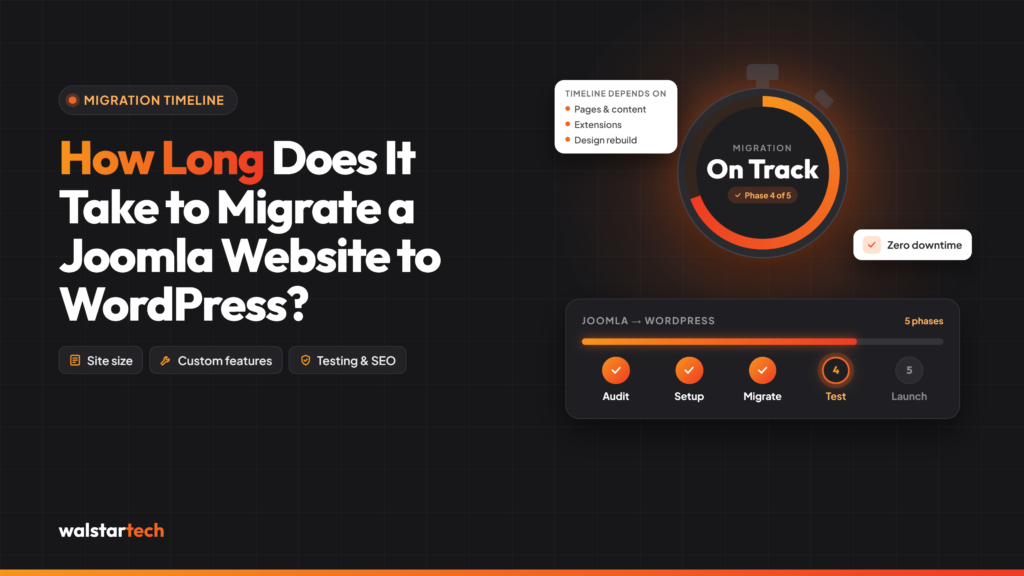
3. How long does Joomla to WordPress migration take?
The timeline depends on website size and complexity. Smaller websites may take several days, while larger websites with custom functionality can require several weeks.
4. Is WordPress better than Joomla for business websites?
WordPress offers accessible content management, extensive plugin options, and flexible design tools. The best CMS depends on the business’s technical needs, resources, and long-term goals.
5. Why should US businesses choose WalstarTech for Joomla to WordPress migration?
WalstarTech offers professional migration assistance covering website content transfer, WordPress setup, SEO considerations, functionality, and technical support, helping businesses manage the transition more efficiently.
Migrate Your Business Website With WalstarTech
Ready to upgrade your Joomla website to a flexible and modern WordPress platform?
WalstarTech provides professional Joomla to WordPress migration services for businesses looking to simplify website management, preserve important digital assets, and prepare for future online growth.
Whether you need content migration, SEO-focused redirects, WordPress customization, or technical assistance, WalstarTech can help you plan a migration strategy based on your website’s requirements.
Get in touch with WalstarTech today and take the next step toward a professionally migrated WordPress website for your US business.