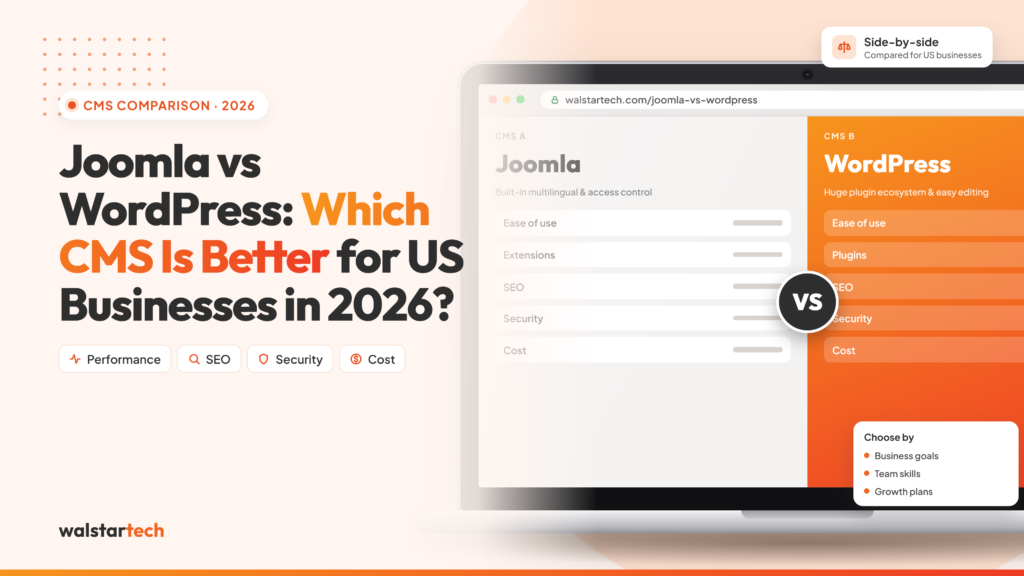
Migrating from Joomla to WordPress in 2026 is often the smartest choice for businesses that want easier publishing, stronger flexibility, and lower long-term maintenance. WordPress remains the dominant CMS on the web, with 42.6% of all websites and 59.9% of CMS market share, while Joomla accounts for just 1.3% of all websites and 1.8% of CMS market share. That gap is a major reason companies switch when they want a platform that is easier to manage, easier to extend, and better supported by a larger community.
1. Why Businesses Are Moving Away from Joomla
For many businesses, the biggest issue with Joomla is not that it is weak software. The real challenge is that websites evolve over time, and a simple site often becomes a content-heavy platform with landing pages, forms, integrations, multilingual content, and lead generation features. At that stage, many teams find WordPress more practical because the publishing experience is simpler and the ecosystem is much broader. With more themes, plugins, tutorials, developers, and agencies available, WordPress usually lowers the friction of growth.
2. Why WordPress Dominates the CMS Landscape
The numbers explain why WordPress is the preferred destination for many migrations. WordPress powers 42.6% of all websites and holds 59.9% of CMS market share, while Joomla is used by only 1.3% of all websites and has 1.8% CMS market share. That difference matters because a larger platform usually means more tools, more support, faster problem-solving, and a wider talent pool. For businesses, that translates into lower maintenance stress and better long-term flexibility.
3. What to Plan Before Migration
The migration process should always begin with a full audit of the Joomla site. Before moving anything, list every page, blog post, category, menu item, image, form, module, and extension so you know exactly what must be recreated, mapped, or replaced in WordPress. This step matters because many migration problems happen when teams assume everything will transfer automatically. A complete inventory also helps you identify outdated content that should be removed instead of migrated.
A second critical step is building a URL map. This helps you match old Joomla pages with the most relevant WordPress pages, which protects SEO and keeps backlinks working. You should also create a full backup of the site and database before starting the move. If anything goes wrong, a backup gives you a safe way to recover quickly.
4. How to Protect SEO During the Move
SEO should be treated as a core part of the migration, not an afterthought. The goal is not just to move content, but to preserve the value that content has already earned through rankings, backlinks, and internal linking. That means transferring titles, meta descriptions, image alt text, and canonical settings wherever possible. It also means creating a proper redirect map so every important Joomla page points to the closest relevant WordPress page.
Broken redirects and missing pages are some of the fastest ways to lose organic traffic after migration. To avoid that, test your redirects before launch and check them again once the site goes live. You should also verify sitemap output, crawlability and internal links after the switch. If your existing Joomla site already receives search traffic, this part of the migration is too important to rush.
5. The Step-by-Step Migration Workflow
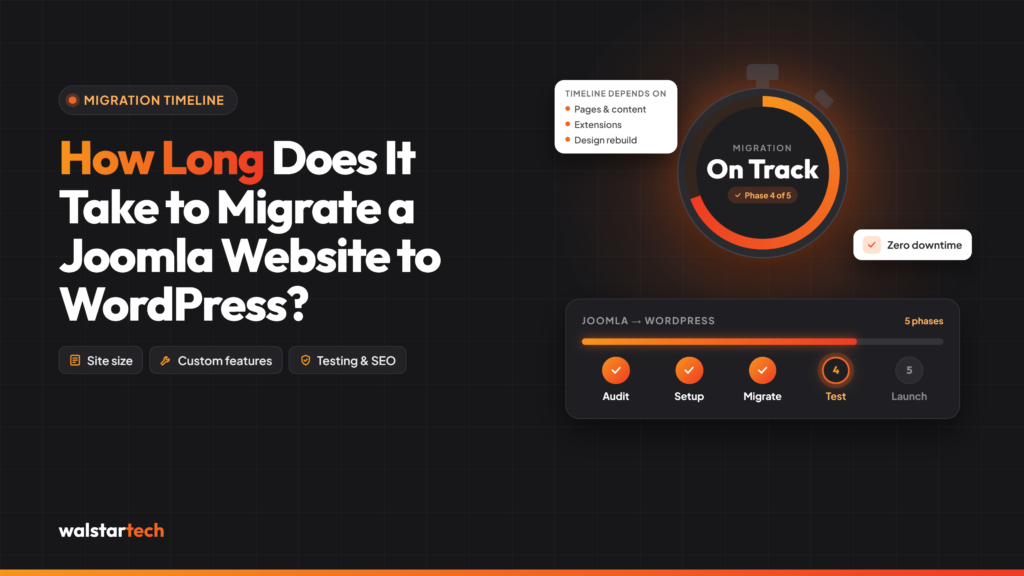
The actual migration workflow is fairly straightforward when broken into clear steps. First, back up the Joomla site and database. Second, prepare the WordPress installation with the right theme and essential plugins. Third, import pages, posts, categories, menus, and media files. Fourth, recreate missing functionality that depended on Joomla extensions. Fifth, set up 301 redirects from old URLs to new URLs. Sixth, test everything on staging. Seventh, launch the site and monitor it closely.
This workflow works best when handled in stages rather than all at once. Content-heavy sites may need extra review because formatting, embedded media, and internal links often behave differently in WordPress. If the Joomla site has special modules or custom functionality, make sure those features are tested individually. The more customized the old site is, the more important manual QA becomes.
6. Common Mistakes to Avoid
The biggest mistakes are skipping the redirect map, failing to back up the site, importing content without QA, and forgetting to update media paths and internal links. Another common error is assuming that a plugin replacement in WordPress will match every Joomla extension feature exactly. The best migration projects avoid that trap by reviewing functionality in advance and accepting that some features will need to be rebuilt differently.
Another mistake is launching too quickly. A site can appear to work on the surface while still having hidden issues like broken images, duplicate pages, or forms that do not submit correctly. That is why staging is so important. It gives you time to spot problems before users or search engines do.
7. Why This Migration Is Good for Growth
Once the migration is complete, the site becomes simpler to edit, simpler to scale, and easier to optimize. Marketing teams can publish content faster, developers can find support more easily, and owners can add new features without rebuilding the whole site. In other words, the migration is not only about leaving Joomla behind; it is about creating a stronger foundation for future growth.
WordPress also gives you more room to grow in the future. Whether you want to add landing pages, improve site speed, launch an online store, or build a more flexible content strategy, WordPress usually gives you more options with less friction. That is one reason so many businesses see migration as a strategic upgrade rather than just a technical change.
Final Thoughts
Migrating from Joomla to WordPress in 2026 is a smart move for businesses that want better control, easier publishing, and stronger long-term scalability. The process works best when you plan carefully, protect SEO, test on staging, and treat the migration as a full website project rather than a simple platform switch. Done right, the result is a cleaner, more flexible website that is easier to manage and better positioned for growth.
Frequently Asked Questions (FAQs)
1. Is Joomla to WordPress migration good for SEO?
Yes. When the migration is planned correctly with 301 redirects, preserved metadata, optimized URL structures, and proper internal linking, you can maintain or even improve your search engine rankings.
2. How long does a Joomla to WordPress migration take?
The timeline depends on the size and complexity of your website. A small business website may take a few days, while larger websites with custom features and extensive content can take several weeks.
3. Will I lose my website content during migration?
No. A professional migration process includes a complete backup and careful transfer of pages, posts, images, menus, and other content to ensure nothing important is lost.
4. Can I migrate from Joomla to WordPress without website downtime?
Yes. Most migrations are performed on a staging environment, allowing the new WordPress website to be tested thoroughly before going live, minimizing or eliminating downtime.
5. Why should I choose WordPress over Joomla in 2026?
WordPress offers a larger ecosystem of themes, plugins, developers, and SEO tools, making it easier to manage, scale, secure, and optimize your website for long-term business growth.
Ready to transform your customer relationships with AI-powered business solutions?
📞 Phone: +1 617-610-9184
📧 Email: sales@walstartech.com
📍 Address: 5860 Collin McKinney Pkwy, St #601, McKinney, TX 75070, USA