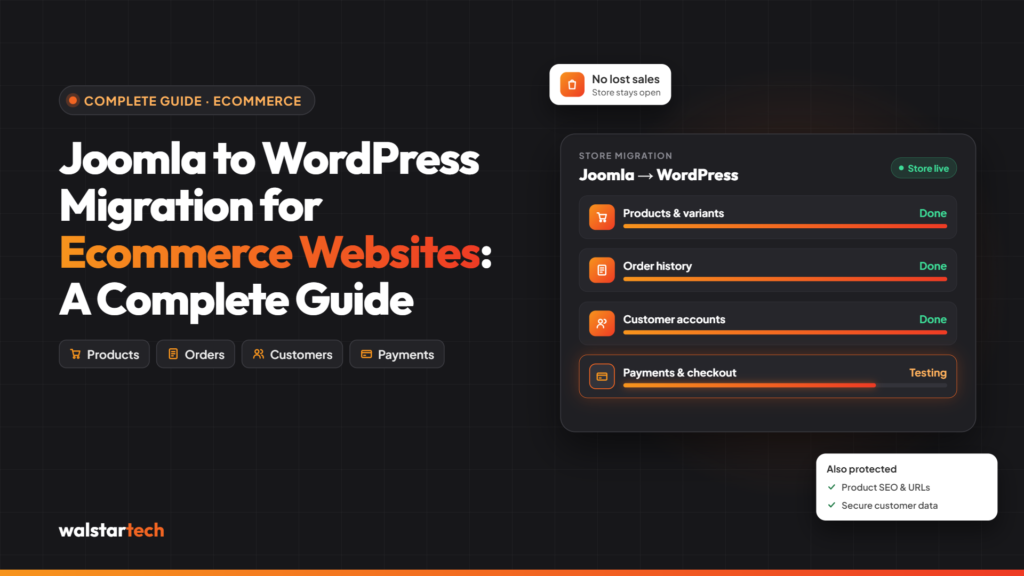
Migrating an ecommerce website from Joomla to WordPress can help businesses improve website management, simplify product updates, and create a more flexible online shopping experience. However, moving an online store involves more than transferring website content. Product information, customer accounts, order history, payment integrations, and SEO rankings all need careful attention.
For ecommerce businesses in the USA, choosing a reliable Joomla to WordPress migration service can make the transition more manageable while reducing the risk of data loss, broken links, and unnecessary downtime.
This guide explains how Joomla to WordPress ecommerce migration works, the key steps involved, common challenges, and how professional migration services can help businesses move their online stores successfully.
Why Migrate an Ecommerce Website from Joomla to WordPress?
Joomla is a capable content management system, but some ecommerce businesses may find it challenging to manage complex extensions, maintain integrations, or make frequent website updates.
WordPress, combined with WooCommerce, offers a flexible ecommerce platform with extensive customization options.
1. What Is Joomla to WordPress Migration?
WordPress provides a user-friendly dashboard for managing website pages, products, images, and blog content. WooCommerce adds tools for inventory management, product variations, orders, and promotions.
2. Flexible Ecommerce Features
WooCommerce supports many online store requirements, including:
- Product catalogs and categories
- Payment gateway integrations
- Shipping and tax configurations
- Inventory management
- Discount codes and promotions
- Customer accounts and order management
3. Better SEO Management
WordPress supports popular SEO plugins such as Yoast SEO and Rank Math. These tools help businesses manage meta titles, descriptions, XML sitemaps, and other SEO settings.
However, moving to WordPress does not automatically improve rankings. A successful migration requires preserving important SEO elements from the existing Joomla website.
4. More Design and Customization Options
WordPress offers a wide selection of themes, plugins, and page-building tools. Businesses can create responsive ecommerce websites tailored to their branding and customer experience.
Step-by-Step Joomla to WordPress Ecommerce Migration Process
Step 1: Audit Your Existing Joomla Ecommerce Website
Before beginning the migration, review the existing website to identify all essential content, ecommerce features, and integrations.
This includes product pages, categories, customer records, orders, payment systems, shipping configurations, and SEO metadata.
A complete website audit helps identify which elements can be transferred directly and which require additional development.
Step 2: Back Up Your Joomla Website
Create a complete backup of your Joomla website, including its database, images, extensions, configuration files, and other important assets.
Store the backup securely and verify that it can be restored before making changes.
This provides a recovery option if unexpected issues occur during migration.
Step 3: Set Up WordPress and WooCommerce
Install WordPress in a secure staging environment and configure WooCommerce according to your ecommerce requirements.
Set up the essential components, including product settings, currency, taxes, shipping zones, payment gateways, and customer account options.
For US ecommerce businesses, ensure that the store’s tax and shipping settings reflect the states and regions where products are sold.
Step 4: Migrate Products and Categories
Product migration is one of the most important stages of transferring an ecommerce website.
Depending on the Joomla ecommerce extension, businesses may need to transfer:
- Product names and descriptions
- Product images and galleries
- SKUs and product variations
- Prices and inventory levels
- Product categories and attributes
- SEO-friendly product URLs
After migration, verify that product information is accurate and that customers can navigate the new store easily.
Step 5: Transfer Customer and Order Data
Customer accounts and order history are valuable business records.
A professional migration process should carefully map Joomla ecommerce data to the corresponding WooCommerce database structures.
Customer passwords may require special handling because authentication systems can differ between platforms. Some customers may need to reset their passwords after migration.
Sensitive customer information must be handled securely, and payment card data should not be transferred outside approved payment-provider processes.
Step 6: Preserve SEO Rankings and Website URLs
Maintaining SEO visibility is essential during a Joomla to WordPress migration.
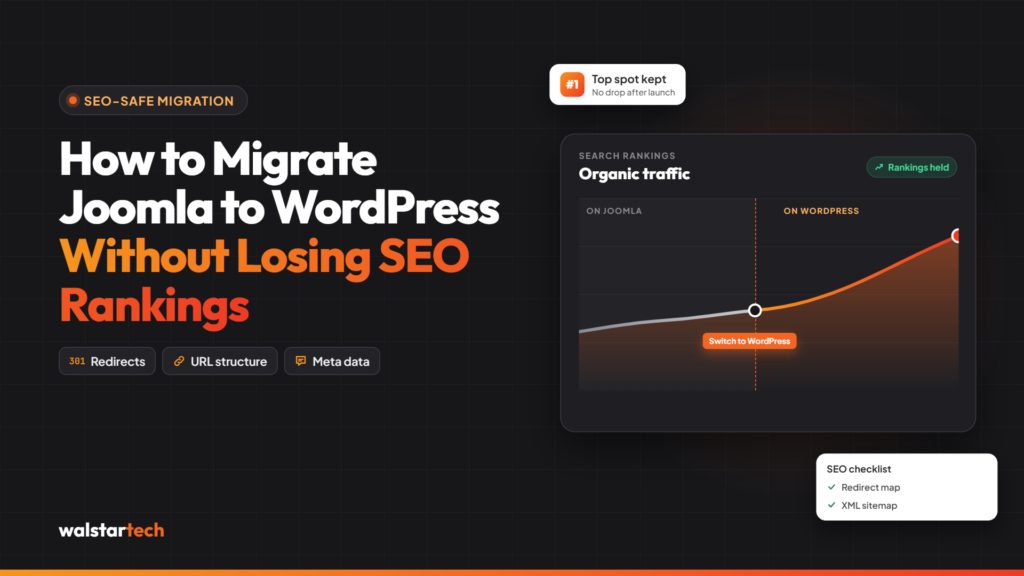
Important SEO tasks include preserving relevant page content, transferring metadata, mapping old URLs to new URLs, and implementing permanent 301 redirects when necessary.
Also review internal links, canonical tags, structured data, XML sitemaps, and robots.txt settings.
Once the new website is launched, monitor Google Search Console for crawl errors, indexing problems, and unexpected changes in organic traffic.
Step 7: Test the New Ecommerce Website
Before launching the WordPress store, test the complete shopping experience.
Check product pages, search functionality, shopping carts, checkout, payment gateways, shipping calculations, mobile responsiveness, and customer account features.
Place test orders to confirm that the checkout process works correctly.
Step 8: Launch and Monitor the Website
After completing testing, schedule the final migration during a period of relatively low website traffic.
Synchronize any new orders or customer changes made since the initial data transfer, then complete the launch.
Continue monitoring website performance, transactions, analytics, and SEO after the migration.
Common Challenges During Joomla to WordPress Ecommerce Migration
Even with careful planning, ecommerce migrations can present technical challenges.
Product Data Compatibility
Joomla ecommerce extensions such as VirtueMart, HikaShop, and J2Store may store product information differently from WooCommerce.
Product attributes, variations, pricing rules, and category relationships may require custom data mapping.
Payment Gateway Integration
Payment gateways must be configured and tested again in WooCommerce. Existing payment tokens and subscriptions may require assistance from the payment provider.
Customer Account Migration
Customer details may transfer successfully, but passwords, account permissions, and purchase histories can require additional configuration.
SEO and Redirect Issues
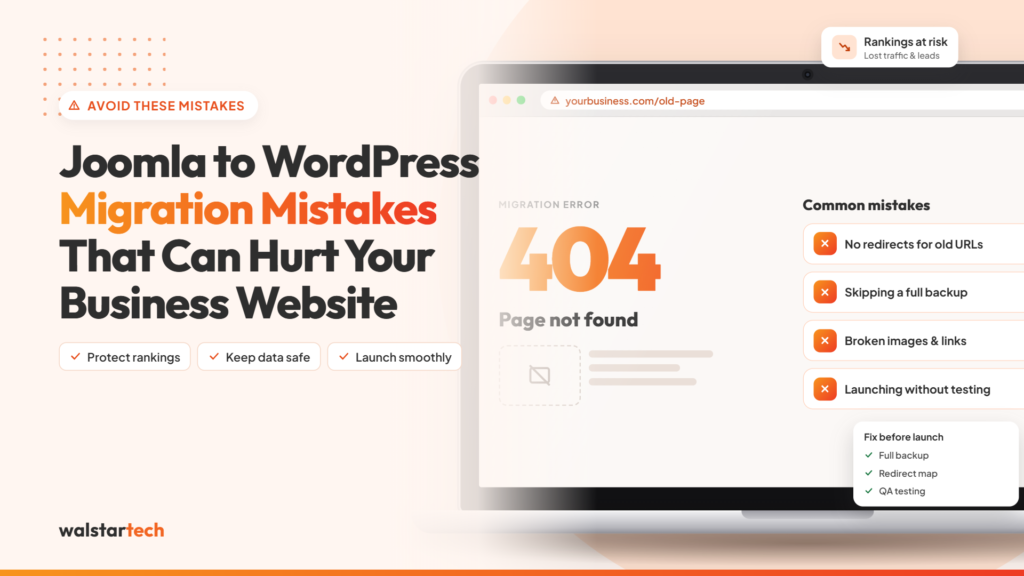
Changing product URLs without implementing proper redirects can lead to broken links and lost organic visibility.
Inventory and Order Synchronization
Orders placed during the migration period must be accounted for to prevent missing transactions, duplicated records, or incorrect stock quantities.
How Much Does Joomla to WordPress Ecommerce Migration Cost in the USA?
The cost depends on the size and complexity of the existing ecommerce website.
Important factors include the number of products, customer records, order history, custom integrations, design requirements, and SEO migration needs.
A store with 50 products and standard checkout functionality will generally require less work than a store with thousands of products, subscriptions, and custom shipping rules.
WalstarTech lists general Joomla to WordPress migration packages starting at $399, with more advanced packages available. Ecommerce-specific requirements should be evaluated separately to establish an accurate project quote.
walstartech
Why Choose WalstarTech for Joomla to WordPress Migration?
For ecommerce businesses, website migration requires technical planning, secure data handling, and detailed testing.
WalstarTech offers professional Joomla to WordPress migration services covering website audits, content migration, WordPress setup, SEO preservation, third-party integrations, and post-launch support.
walstartech
For ecommerce projects, businesses can discuss their product catalogs, customer data, checkout requirements, and existing Joomla extensions with the migration team to determine the appropriate scope.
Final Thought
Migrating an ecommerce website from Joomla to WordPress can provide greater flexibility, easier store management, and opportunities to improve the online shopping experience.
However, a successful migration depends on more than transferring products. Customer records, order history, payment systems, SEO settings, and essential integrations all require careful planning and testing.
For US businesses considering a platform change, working with an experienced migration provider can help reduce technical risks and create a more reliable foundation for future ecommerce growth.
Ready to migrate your ecommerce website? Explore WalstarTech’s Joomla to WordPress Migration Service and discuss your requirements with the team.
Frequently Asked Questions (FAQs)
1. Can I migrate my Joomla ecommerce website to WooCommerce?
Yes. Joomla ecommerce websites can be migrated to WordPress with WooCommerce. The exact process depends on the existing Joomla extension, database structure, and required store functionality.
2. Will I lose my products during migration?
Products can generally be transferred, but the process should include backups, accurate field mapping, and data validation. Complex product configurations may require additional development.
3. Will migrating from Joomla to WordPress affect my SEO?
Search rankings may fluctuate during migration. Preserving URLs where possible, implementing 301 redirects, transferring metadata, and monitoring indexing can help reduce unnecessary SEO disruption.
4. How long does ecommerce migration take?
Migration timelines depend on store complexity. A small store may take several days or weeks, while a larger ecommerce website with custom integrations may require significantly longer.
5. Is WooCommerce suitable for US ecommerce businesses?
Yes. WooCommerce supports US ecommerce operations through configurable payment methods, shipping zones, tax settings, and integrations. Businesses should evaluate their specific operational and compliance requirements before migrating.