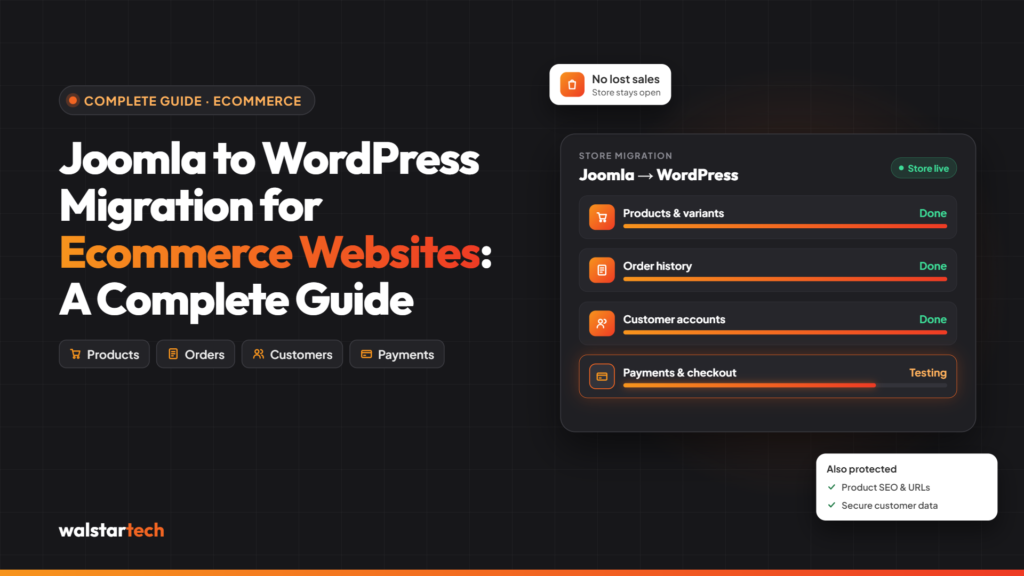
Migrating a business website from Joomla to WordPress can improve website management, flexibility, and long-term scalability. However, moving an established website involves more than transferring content. Businesses must protect their SEO rankings, preserve important data, maintain website functionality, and minimize downtime.
For businesses in the United States, hiring a professional Joomla to WordPress migration service can help reduce technical risks and ensure a smoother transition.
In this guide, we’ll explore why professional migration services matter, the challenges of website migration, and how Walstar Tech can support your transition to WordPress.
1. What Is Joomla to WordPress Migration?
Joomla to WordPress migration is the process of transferring an existing Joomla website to the WordPress content management system (CMS).
The process may include:
- Migrating website pages, posts, and media files.
- Transferring categories and website content.
- Recreating the website’s design and navigation.
- Preserving SEO metadata and URL structures.
- Configuring WordPress plugins and functionality.
- Testing website performance and security.
A professional migration team ensures that important website elements are transferred correctly while maintaining a consistent user experience.
2. Why Are Businesses Moving from Joomla to WordPress?
WordPress is widely used by businesses because of its flexibility, extensive plugin ecosystem, and user-friendly content management tools.
Some advantages include:
- Easy content management: Update website pages and blog posts without extensive technical knowledge.
- SEO flexibility: Use WordPress SEO plugins to manage metadata, sitemaps, and other optimization settings.
- Customization options: Access a large selection of themes and plugins.
- Scalability: Expand website functionality as business requirements grow.
- Marketing integration: Connect analytics, CRM systems, email marketing tools, and other business applications.
For US businesses planning website modernization, WordPress can provide a flexible platform for future growth.
3. Why Hire Professional Joomla to WordPress Migration Experts?
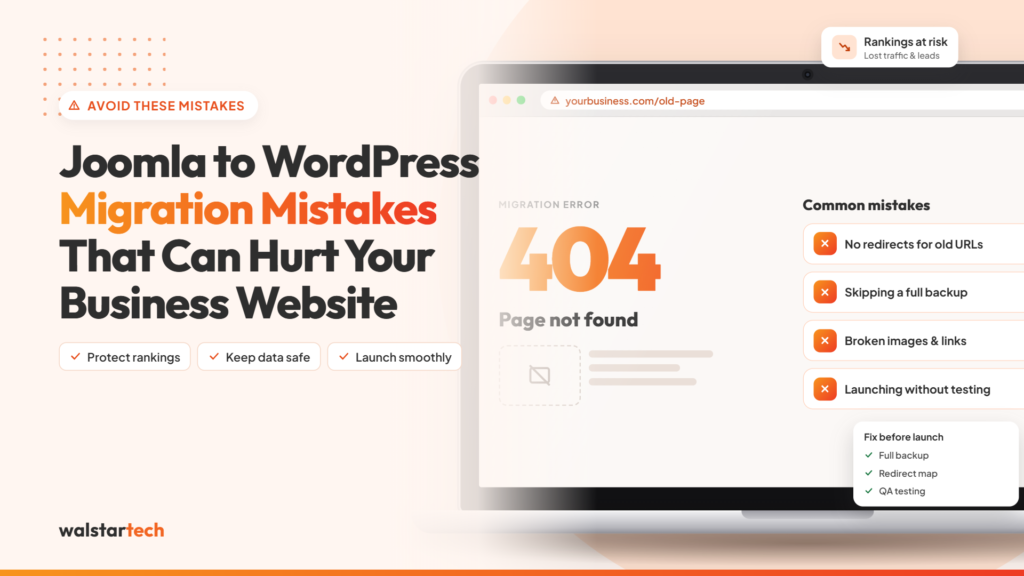
Migrating a website without proper technical knowledge can lead to broken links, missing content, formatting problems, and SEO issues.
Professional Joomla to WordPress migration experts can help businesses:
- Develop a structured migration plan.
- Identify compatibility issues before migration.
- Protect important website content.
- Configure redirects and SEO settings.
- Test the migrated website before launch.
Working with experienced developers reduces the likelihood of preventable migration errors.
4. How Do Experts Protect SEO Rankings During Migration?
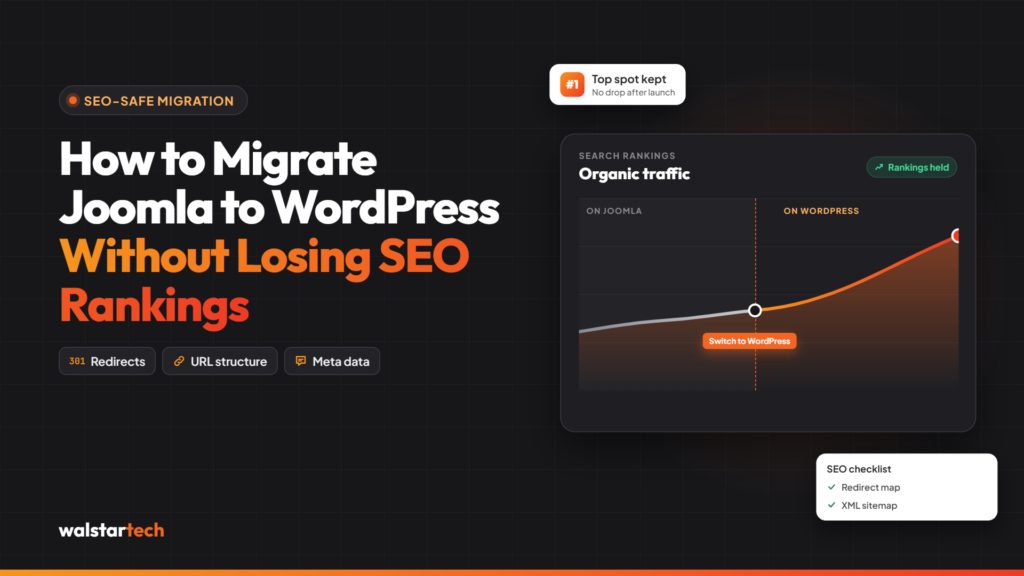
One of the biggest concerns during website migration is losing existing search engine visibility.
If website URLs change without proper redirects, search engines and visitors may encounter broken pages.
Professional migration specialists can help preserve SEO performance by:
- Auditing existing website URLs.
- Implementing appropriate 301 redirects.
- Migrating SEO titles and meta descriptions.
- Maintaining important internal links.
- Creating and submitting updated XML sitemaps.
- Monitoring indexing and crawl errors after launch.
Although no migration service can guarantee unchanged search rankings, careful planning can reduce SEO-related risks.
Learn more about Joomla to WordPress Migration Services.
5. How Do Professionals Prevent Data Loss?
Business websites often contain valuable information, including product details, blog posts, customer-facing content, images, and custom data.
Losing this information during migration can affect website operations and user experience.
Migration professionals typically use a structured process that includes:
- Creating complete website backups.
- Reviewing Joomla database structures.
- Mapping Joomla content to WordPress.
- Transferring media and content.
- Checking migrated information for accuracy.
Complex websites may require additional development work to transfer custom components and specialized functionality.
6. Can Professional Migration Services Reduce Website Downtime?
Website downtime can interrupt customer inquiries, online sales, and lead generation.
Professional developers often prepare the WordPress website in a staging environment before making it publicly accessible.
This allows them to:
- Test website functionality.
- Review page layouts.
- Identify broken links.
- Configure plugins.
- Verify contact forms.
- Plan the final website launch.
A properly planned migration can help minimize disruption, although the actual downtime depends on website complexity and hosting configuration.
7. Why Is Website Security Important During Migration?
Website migration is an opportunity to review security configurations and remove outdated components.
Experienced developers can help improve the security of the new WordPress installation by:
- Updating WordPress core files and plugins.
- Configuring HTTPS correctly.
- Reviewing user permissions.
- Removing unnecessary extensions.
- Establishing backup procedures.
- Implementing appropriate security measures.
Security should remain an ongoing priority after migration, including regular updates and monitoring.
8. How Much Does Professional Joomla to WordPress Migration Cost?
The cost of Joomla to WordPress migration in the USA depends on several factors.
These include:
- Number of website pages.
- Complexity of the existing Joomla website.
- Custom extensions and integrations.
- Design requirements.
- Ecommerce functionality.
- SEO migration requirements.
- Post-migration testing and support.
A small business website generally requires less migration work than a large ecommerce platform or a website with extensive custom functionality.
Businesses should request a detailed migration assessment before selecting a service package.
9. Why Choose Walstar Tech for Joomla to WordPress Migration?
Walstar Tech provides website development and migration services for businesses looking to modernize their online presence.
Businesses considering a move from Joomla to WordPress can explore Walstar Tech for assistance with:
- Joomla to WordPress website migration.
- Website content and data transfer.
- SEO-conscious migration planning.
- WordPress website configuration.
- Website functionality and compatibility.
- Post-migration testing.
By choosing professional support, businesses can approach their CMS transition with a clearer migration strategy and reduced technical uncertainty.
Explore the service: Professional Joomla to WordPress Migration
10. How to Choose the Right Joomla to WordPress Migration Company
Before hiring a website migration company, US businesses should evaluate the provider’s experience and technical capabilities.
Consider the following questions:
- Does the company have experience migrating Joomla websites?
- Can it preserve important SEO elements and implement redirects?
- Does it provide a complete website backup before migration?
- Will the new WordPress website be tested before launch?
- Can it handle custom Joomla extensions and functionality?
- What post-migration support is included?
Choosing a provider based on technical experience, clear communication, and a documented migration process is generally more valuable than choosing solely on price.
Ready to migrate your website?
Visit Walstar Tech – Joomla to WordPress Migration Service to learn more about professional migration assistance.
Final Thoughts
Migrating from Joomla to WordPress can help businesses build a more flexible and manageable website. However, successful migration requires careful planning, technical knowledge, SEO protection, and thorough testing.
Hiring a professional Joomla to WordPress migration service can help minimize technical risks, protect important website information, and support a smoother transition.
If your business is planning to migrate from Joomla to WordPress, explore the services offered by Walstar Tech.
Frequently Asked Questions (FAQs)
1. Is it possible to migrate Joomla to WordPress without losing SEO rankings?
Yes, it is possible to preserve many important SEO elements through proper redirects, metadata migration, and technical planning. However, rankings can fluctuate after migration.
2. How long does Joomla to WordPress migration take?
The timeline depends on website size, custom functionality, content volume, and testing requirements.
3. Can Joomla website content be transferred to WordPress?
Yes. Pages, articles, images, and other content can often be transferred, although custom components may require additional development.
4. Is WordPress better than Joomla for small businesses?
WordPress can be a suitable option for small businesses seeking straightforward content management, marketing integrations, and flexible website customization.
5. Why should I hire a professional Joomla to WordPress migration company?
Professional migration specialists can help protect website data, configure redirects, address compatibility issues, and reduce the risk of technical problems during the transition.